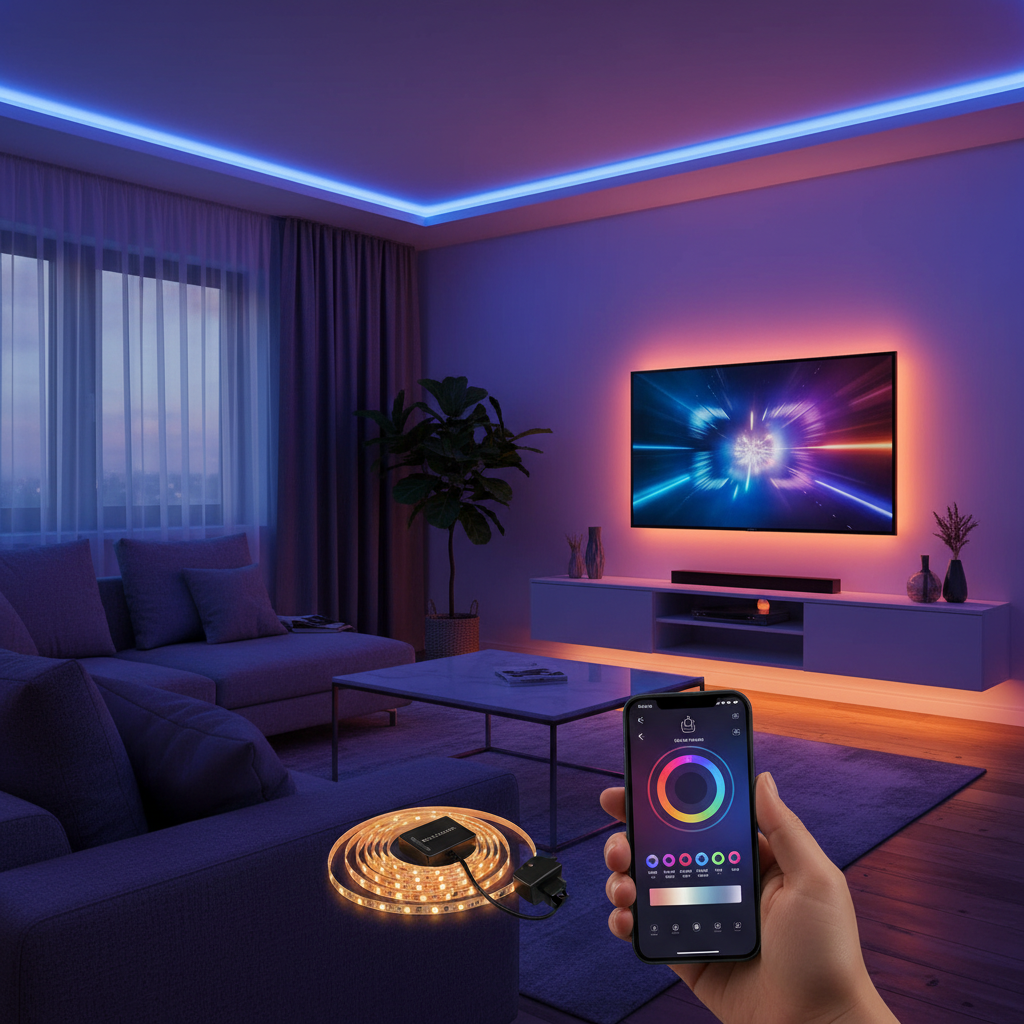
Transforming your living space into a dynamic, immersive environment is easier than ever with LED strip lights. Static lighting is a thing of the past; today, you can synchronize your lights to pulse with your favorite music or create a captivating ambient glow that mirrors the action on your screen. This comprehensive guide will walk you through various DIY methods and ready-made solutions, empowering you to unlock the full potential of your LED strip lights for an unparalleled entertainment experience.
The Allure of Dynamic Lighting: What Are LED Strip Lights?
LED strip lights, also known as LED tape or ribbon lights, are flexible circuit boards populated with surface-mounted light-emitting diodes (LEDs). They typically come with an adhesive backing for easy installation and can be cut to custom lengths, making them incredibly versatile. Their design allows for a broad spectrum of applications, from subtle accent lighting to vibrant, color-changing displays.
The evolution of LED strip lights has seen them move beyond simple illumination. Early strips offered single colors, but advancements quickly brought RGB (Red, Green, Blue) capabilities, allowing for millions of color combinations. Today, RGBW (with a dedicated white LED) and RGBIC (individually controllable IC chips for multiple colors simultaneously on a single strip) lights are popular, offering even greater customization. These strips operate on low voltage, commonly 12V or 24V, and are controlled via physical remotes, smartphone apps, or smart home assistants.
Their diverse applications include enhancing home decor by highlighting architectural features, illuminating kitchen cabinets, or creating intricate patterns. Beyond aesthetics, LED strip lights are pivotal in modern entertainment setups, providing dynamic lighting for gaming rooms, home theaters, and party spaces. Their ability to dramatically alter a room’s mood and atmosphere makes them a cornerstone of smart home design.
Why Sync Your LED Lights? Unleashing Immersive Experiences
The appeal of syncing LED lights goes far beyond mere novelty; it’s about crafting an atmosphere that deeply engages your senses and enhances your activities. While LED strip lights are inherently energy-efficient and boast impressive longevity compared to traditional bulbs, their true magic lies in their dynamic capabilities. They are incredibly flexible and easy to install, making them accessible for DIY enthusiasts. The sheer diversity in color and lighting effects, from subtle glows to vibrant patterns, allows for personalized spaces that reflect your mood or activity. Furthermore, modern LED strips are safe to use, free from harmful chemicals, and produce minimal heat.
However, the core benefit of syncing your LED lights with audio and visual media is the creation of an immersive experience. Imagine your room bathed in colors that shift with every beat of your music, or a vibrant backlight that extends the on-screen action of your favorite movie into your peripheral vision. This synchronization adds an extra layer of engagement, transforming passive listening or viewing into an active, captivating event. It’s about not just watching or listening, but feeling the entertainment flow through your entire environment.
Syncing LED Strip Lights with Music: A Step-by-Step Guide
Bringing your music to life with pulsating, color-changing lights is a fantastic way to enhance any party, workout, or relaxation session. Several methods allow your LED strip lights to dance to the rhythm.
Method 1: Using Controllers with Built-in Microphones
|
Our Picks for the Best LED strip light in 2026
As an Amazon Associate I earn from qualifying purchases.
|
||
| Num | Product | Action |
|---|---|---|
| 1 | KSIPZE 100ft Led Strip Lights RGB Music Sync Color Changing Led Lights with Smart App Control Remote Led Lights for Bedroom Room Lighting Flexible Home Décor |

|
| 2 | Govee RGBIC LED Strip Lights, Smart LED Lights for Bedroom, Bluetooth LED Lights APP Control, DIY Multiple Colors on One Line, Color Changing LED Strip Lighting Music Sync, Home Decor, 16.4ft |
|
| 3 | NBBUFF Led Lights for Bedroom 50ft (1 Roll), Color Changing RGB Led Strip Lights with 60 Keys Remote and App Control, Music Sync Led Lights for Room Kitchen Party Home Decor |
|
| 4 | White Led Strip Lights for Bedroom Small Dimmable LED Lights Strip 16.4ft Super Bright Flexible LED Tape Lights Rope Light for for Room Home Decor Luces Leds for Living Room Kitchen Vanity Mirror |
|
| 5 | dalattin White LED Strip Lights, 20ft Dimmable Super Bright 24V Led Tape Light 6500K 360 LEDs Lights for Bedrooms, Mirror, Kitchen, Home Decoration Daylight White |
|
| 6 | DAYBETTER Led Strip Lights 32.8ft Kit with Remote and Power Supply Color Changing |
|
| 7 | DAYBETTER LED Strip Lights 110ft, Smart Lighting Strips with App Remote Control, RGB Music Sync Color Changing Lights for Bedroom Kitchen Party Home Decor Luces led para cuarto (1 Roll) |
|
| 8 | Govee White LED Strip Lights, Upgraded 16.4ft Dimmable LED Light Strip 6500K Bright Daylight White, Strong Adhesive, 300 LEDs Flexible Tape Lights for Mirror, Kitchen Cabinet, Bedroom, Christmas Decor |
|
| 9 | Govee 100ft RGBIC LED Strip Lights, Smart LED Lights Work with Alexa and Google Assistant, LED Lights for Bedroom WiFi App Control Segmented DIY Multiple Colors, Color Changing Light, (2 x 50ft) |
|
| 10 | Barrina (6 Pack LED T5 Integrated Single Fixture, 4FT, 2200lm, 6500K Super Bright White, 20W Utility LED Shop Light, Ceiling and Under Cabinet Light, Corded Electric with ON/Off Switch, ETL Listed |
|
Many off-the-shelf LED strip light kits include a controller with a built-in microphone. This is often the simplest and most direct way to achieve music synchronization.
- Installation: First, install your LED strip lights in your desired location, ensuring they are properly connected to the controller and power supply. Most strips come with an adhesive backing for easy mounting.
- Connect and Power On: Plug in the power adapter for your LED strip lights.
- Activate Music Mode: Use the provided remote control or the physical button on the controller to switch the lights into “music mode” or “sound-activated mode.”
- Adjust Sensitivity: Many controllers feature a sensitivity dial or button. Adjust this setting to fine-tune how the lights react to sound. Lower sensitivity might require louder music, while higher sensitivity can pick up quieter beats.
- Play Music: Play music through your speakers, and the lights will respond to the ambient sound, creating a dynamic visual experience.
Method 2: Smartphone App Integration
Smart LED strip lights often integrate with dedicated smartphone applications that offer advanced control, including music synchronization. Popular apps include Govee, Philips Hue, Magic Home, Smart Life, Tuya Smart, Happy Lighting, Open Lit, and Globe Suite.
- Download the App: Download the compatible app for your specific LED strip lights from your device’s app store.
- Connect Lights: Follow the in-app instructions to connect your LED strips via Bluetooth or Wi-Fi. This usually involves pairing your device with the lights.
- Access Music Mode: Within the app, navigate to the “Music Mode” or “Sound Sync” section.
- Select Audio Source: The app typically offers options to use your phone’s built-in microphone to capture ambient sound or, in some cases, to synchronize directly with music playing on your phone’s internal audio system.
- Adjust Settings: Customize lighting effects, colors, and sensitivity settings within the app to achieve your desired visual response.
- Play Music: Start playing music, either through your phone or external speakers, and watch your lights sync.
Method 3: Advanced DIY Audio-Reactive Circuits
For those with a deeper interest in electronics and programming, building a custom audio-reactive circuit offers unparalleled control and customization. This method typically involves a microcontroller like an Arduino and components to analyze audio signals.
- Concept: This approach often uses a microphone to capture audio, which is then processed by a microcontroller using algorithms like the Fast Fourier Transform (FFT) to break down the sound into different frequencies. The microcontroller then translates these frequencies and amplitudes into commands for the LED strip, controlling brightness, color, and patterns.
- Key Components:
- Microcontroller: Arduino Uno or similar.
- Microphone Module: An electret microphone amplifier for audio input.
- Transistors/MOSFETs: To control the higher current required by LED strips based on microcontroller signals.
- Resistors and Capacitors: For proper circuit operation.
- LED Strip: Analog RGB or individually addressable LED strips (e.g., WS2812B).
- Power Supply: Appropriately rated for the LED strip and microcontroller.
- Complexity: This method requires knowledge of electronics, soldering, and programming (e.g., Arduino IDE). It allows for highly customized lighting behaviors that might not be available in commercial products but is significantly more complex than app-based or controller-based solutions.
“For the truly adventurous DIYer, building an audio-reactive LED setup with a microcontroller opens up a universe of custom lighting patterns that off-the-shelf products can only dream of. It’s a journey into electronics, but the reward is a truly unique, personalized light show.” – Dr. Elena Petrova, Photonics Engineer
Tips for Optimal Music Sync Performance
- Microphone Placement: If using a built-in microphone on a controller or phone, place it as close as possible to your music source. This ensures it picks up the music clearly and minimizes background noise interference.
- Sensitivity Adjustment: Experiment with sensitivity settings. Too high, and the lights might react to every small sound; too low, and they might miss subtle beats.
- Music Source: For the best synchronization, consider playing music directly through the app that controls your lights (if available) or ensuring a consistent, clear audio signal.
Bringing Movies to Life: LED Light Sync for Visual Media
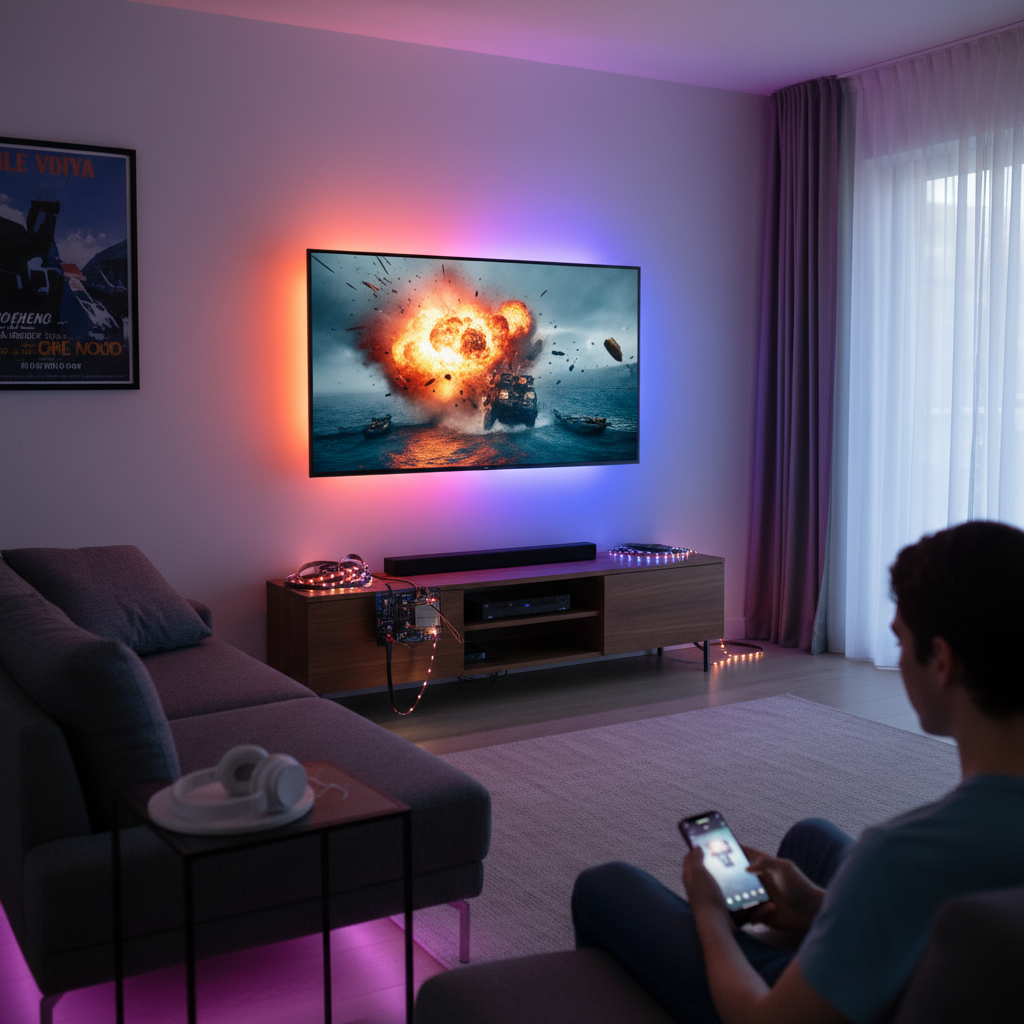
Creating an “Ambilight” effect behind your TV or monitor can dramatically enhance your movie-watching and gaming experiences, extending the on-screen colors into your room for a truly cinematic feel.
Method 1: Dedicated Ambient TV Backlight Systems
Several commercial products are designed specifically for movie and gaming synchronization, often referred to as ambient TV backlights or HDMI sync boxes.
- How They Work: These systems typically use an external sync box that connects between your HDMI source (e.g., streaming device, gaming console, Blu-ray player) and your TV. The sync box analyzes the video signal in real-time and sends corresponding color data to specialized LED strip lights installed behind your screen.
- Key Features:
- HDMI Pass-through: Ensures no loss of video quality.
- Real-time Synchronization: Lights change color to match the dominant colors on the edges of your screen with minimal lag.
- Ease of Use: Generally plug-and-play with accompanying apps for fine-tuning.
- Examples: Philips Hue Play HDMI Sync Box, Govee DreamView systems, and various third-party ambient TV backlight kits available on platforms like AliExpress.
Method 2: DIY Ambilight with Raspberry Pi
For a truly customizable and powerful Ambilight setup, a Raspberry Pi-based system is a popular DIY choice. This method allows you to replicate the professional effect at a fraction of the cost, with extensive control over every detail.
- Concept: A Raspberry Pi captures the video signal from your display or an HDMI input, processes the colors at the screen’s edges, and then sends commands to individually addressable LED strips (like WS2812B or SK6812) to match those colors.
- Key Components:
- Raspberry Pi: A Raspberry Pi 3B+ or 4 is commonly used.
- Addressable LED Strips: WS2812B or SK6812 are popular choices, as each LED can be controlled independently.
- HDMI Splitter: To duplicate the HDMI signal (one for the TV, one for the capture device).
- HDMI to USB Video Capture Card: To convert the HDMI video signal into a format the Raspberry Pi can process.
- Power Supply: For the Raspberry Pi and the LED strips.
- Level Shifter (Optional but Recommended): To convert the Raspberry Pi’s 3.3V data signal to the 5V expected by most addressable LEDs, ensuring reliability.
- Software: Hyperion (or Hyperion-NG) is the go-to open-source software that runs on the Raspberry Pi to manage the screen grabbing and LED control.
- Installation Overview:
- Hardware Assembly: Connect the HDMI splitter, video capture card, Raspberry Pi, and LED strips. Wiring requires careful attention to power and data lines.
- LED Strip Placement: Measure and attach LED strips to the back of your TV, typically around the top, left, and right sides (the bottom can be optional, depending on your setup). Ensure proper orientation for data flow.
- Software Setup: Install a lightweight operating system on the Raspberry Pi, then install and configure Hyperion. This involves specifying the number of LEDs, their layout, and color calibration.
- Benefits: Highly customizable, works with almost any HDMI source, excellent performance once configured.
Method 3: Smart TV Apps (with caveats)
Some smart TVs, particularly those running Android TV, or external Android TV boxes, offer apps that claim to provide an Ambilight-like experience.
- How They Work: These apps typically use the device’s built-in screen capture capabilities to analyze what’s on screen and then control compatible LED strips (usually connected via Bluetooth or Wi-Fi).
- Limitations: A significant drawback of these apps is their inability to capture content protected by Digital Rights Management (DRM). This means they often won’t work with popular streaming services like Netflix, Hulu, or Disney+, limiting their usefulness to local media files or non-DRM content.
- Compatibility: You’ll need LED strips and controllers that are specifically compatible with the chosen app.
Maximizing Your Cinematic Lighting
- Optimal Placement: Mount LED strips about 1-2 inches from the edge of your TV, facing the wall. This allows for a soft, diffused glow.
- Wall Color: A neutral-colored wall behind the TV will best reflect the ambient light without distorting colors.
- Calibration: Fine-tune color accuracy and brightness settings in your app or Hyperion software to match the on-screen content effectively.
Essential Gear for Your Syncing Setup
Choosing the right equipment is crucial for a satisfying LED syncing experience. Here’s a comparison of common solutions:
| Type of Sync System | Key Components | Pros | Cons | Recommended For |
|---|---|---|---|---|
| Music Controller | LED strip, controller with mic, power supply | Simple, affordable, easy setup | Limited customization, ambient sound only | Casual users, party lighting |
| App-controlled | Smart LED strip, power supply, smartphone app | More features, wider control, phone mic/internal audio | Relies on phone, specific app required | Everyday ambiance, versatile use |
| HDMI Sync Box | LED strip, sync box, power supply | Seamless movie/gaming sync, no DIY needed | Higher cost, HDMI-only input | Home theater enthusiasts, premium experience |
| DIY Raspberry Pi | Raspberry Pi, addressable LEDs, capture card, power supply | Ultimate customization, powerful | Complex setup, requires technical skills | Advanced DIYers, maximum flexibility |
Top Brands for Music and Movie Syncing LED Strip Lights
The market offers a wide array of brands providing excellent LED strip lights for music and movie synchronization.
- Govee: A highly popular brand known for its innovative RGBIC technology, which allows multiple colors on a single strip. Govee offers a range of controllers with built-in microphones for music sync and comprehensive DreamView systems for TV backlighting. Their app is robust and user-friendly.
- Philips Hue: Renowned for its extensive smart home ecosystem. While Philips Hue strips themselves are premium, their Philips Hue Play HDMI Sync Box provides seamless, high-quality movie and gaming synchronization across their entire lighting ecosystem.
- Wyze: Offers affordable smart LED strip lights that include music sync capabilities, working with Alexa and Google Assistant. They are praised for their ease of setup.
- Nanoleaf & LIFX: These brands provide high-quality, bright LED strip lights with excellent color accuracy and smart features, often compatible with various smart home platforms.
- GE Cync & Globe Electric: Offer accessible smart LED strip light options with music sync capabilities and smart home integration via their respective apps and voice assistants.
Installation and Maintenance Tips for Long-Lasting Glow
Proper installation and care ensure your LED strip lights provide dynamic illumination for years.
- Surface Preparation: Before attaching the strips, ensure the mounting surface is clean, dry, and smooth. Alcohol wipes can help remove dust and grease for optimal adhesive bonding. For a cleaner, more finished look, consider using LED strip light profiles (aluminum channels).
- Adhesive Best Practices: Peel off the adhesive backing gradually as you apply the strip, pressing firmly along its length. For added stability, especially in areas with temperature fluctuations, use mounting clips.
- Power Supply Matching: Always match the voltage and wattage of your LED strips with an appropriate power supply. An undersized power supply can lead to dimming or flickering, while an oversized one can damage the strips.
- Safe Cutting and Connection: Most LED strips have designated cut marks (usually every few inches). Always cut at these marks. If soldering extensions or connectors, ensure power is off and connections are secure and insulated to prevent short circuits.
- Cable Management: Neatly route and secure power cables and controller wires to prevent tangles and accidental disconnections, improving both aesthetics and safety.
- Environment Considerations: If installing outdoors or in high-moisture areas like kitchens, choose LED strips and controllers with an IP rating of IP65 or higher for water resistance.
- Troubleshooting Common Issues:
- No Sync: Check microphone placement, sensitivity settings, app connection, and ensure music mode is active.
- Incorrect Colors: Calibrate colors within your app or Hyperion software. For DIY Ambilight, check LED strip wiring and data order.
- Flickering: Could indicate an insufficient power supply, loose connections, or a faulty controller.
Conclusion
Integrating LED strip lights with your music and movie experiences is an exciting and accessible way to elevate your home entertainment. Whether you opt for a simple plug-and-play solution with a built-in microphone, leverage the advanced features of a smartphone app, invest in a dedicated HDMI sync box, or embark on a sophisticated DIY Ambilight project with a Raspberry Pi, the power to create truly immersive environments is in your hands. By understanding the available methods, selecting the right gear, and following proper installation techniques, you can transform any room into a captivating, dynamic space. So, why settle for static lighting when your favorite tunes and cinematic adventures can literally illuminate your world? What vibrant scenes will you create first?
Frequently Asked Questions
How do LED lights sync to sound?
LED lights sync to sound primarily through a built-in microphone in their controller or via a smartphone app utilizing the phone’s microphone or internal audio. The microphone detects audio vibrations, and the controller or app’s software processes these sounds, translating changes in rhythm and volume into commands that alter the lights’ color, brightness, or pattern, making them appear to “dance” to the music.
Can I sync any LED strip with my TV for movies?
Not all LED strips can sync with your TV’s on-screen content. Basic strips offer only static colors or predefined patterns. To sync with movies, you need smart LED strips and a system (like an HDMI sync box or a DIY Raspberry Pi setup) that can analyze the video signal from your TV’s input and translate those visual cues into corresponding lighting changes for the LEDs.
What are the best apps for LED music sync?
Popular and highly-rated apps for LED music sync include Govee Home, Philips Hue, Magic Home, Smart Life, and Tuya Smart. The best app for you will depend on the brand of your LED strip lights, as most smart lights are designed to work optimally with their proprietary applications, offering the most comprehensive features and controls for synchronization.
Do I need a hub for music sync or movie sync LED lights?
It depends on the specific LED lighting system. Many modern smart LED strip lights, especially from brands like Govee or GE Cync, can connect directly to your home’s Wi-Fi or via Bluetooth, negating the need for a separate hub for basic music and app control. However, systems like Philips Hue typically require their Hue Bridge (hub) for full functionality, including advanced scenes and movie synchronization via their HDMI Sync Box.
How do DIY Ambilight systems with Raspberry Pi work?
A DIY Ambilight system using a Raspberry Pi works by capturing the video signal from your TV’s HDMI input (often through an HDMI splitter and a video capture card). The Raspberry Pi, running software like Hyperion, analyzes the colors at the edges of the video feed in real-time. It then sends specific color and brightness commands to individually addressable LED strips mounted behind the TV, creating a dynamic backlight that matches the on-screen content.